

Crawled – Currently Not Indexed: Why Google Ignores Your Pages and How to Fix It

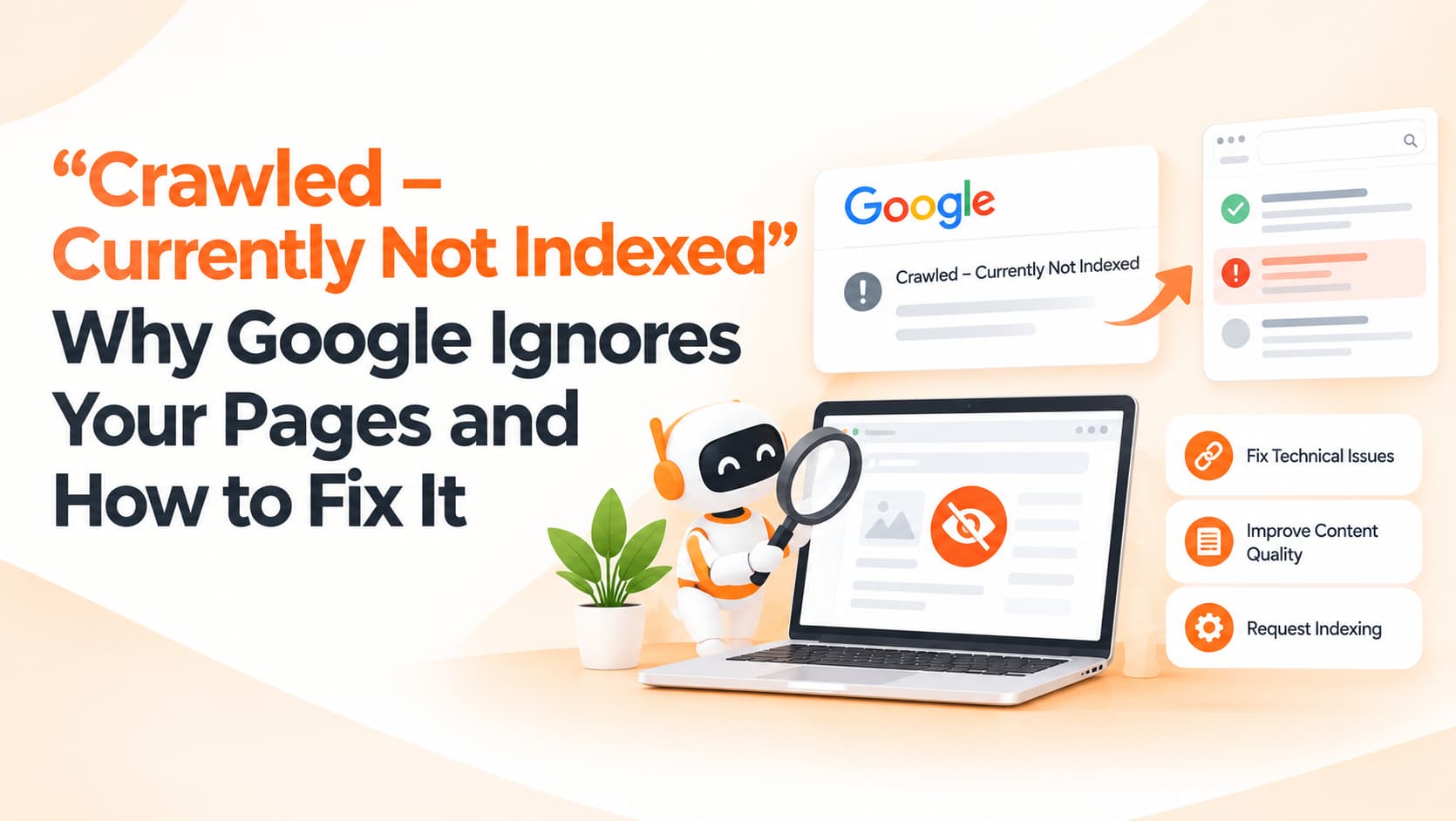
Last month you published thirty new service pages, each carefully written and linked from your menu. A few weeks later, Search Console's Page indexing report shows most of them listed under "Crawled – currently not indexed". Google visited every one of those pages, looked at them, and decided not to include them in search results, at least for now.
It is one of the most common and frustrating messages website owners see. The encouraging part is that it is rarely a mysterious technical bug. Far more often, it is Google's way of telling you something about the value of the pages or how your site is structured, and both of those things are within your control.
Two statuses that people often confuse
Search Console shows two similar-sounding messages that mean quite different things. "Discovered – currently not indexed" means Google knows the URL exists, usually from a sitemap or a link, but has not crawled it yet. This often points to weak internal linking, a large number of low-value URLs competing for attention, or a server that struggles when Google crawls too quickly.
"Crawled – currently not indexed" means Google did fetch and look at the page but chose not to add it to the index. This usually signals that the page did not seem valuable or distinct enough compared with what Google already has. Neither status is an error in the strict sense. Google has never promised to index every page it finds, and on most sites a portion of URLs will always sit outside the index.
First, decide whether it is actually a problem
Before worrying, look at which URLs are affected. Very often the list is full of pages that should not be indexed anyway: filter and sort variations such as "?sort=price", tag, author and date archives, pagination pages, thank-you pages, cart and login pages, and old test or staging URLs that slipped into the sitemap. If those are what you see, you can mostly ignore the report or tidy things up with noindex tags, canonical tags or by stopping your CMS from generating such URLs.
The situation is different when important pages appear in the list: your main services, product categories, location pages or key articles. Those deserve attention, because a page that is not indexed cannot bring you search traffic or leads.
Why important pages get left out
The most common cause is thin or templated content. Location pages where only the city name changes, or service pages that repeat the same three paragraphs with minor edits, look almost identical to Google, so it sees little reason to index them all. Closely related to this is duplication: several blog posts covering the same topic, product variants on separate URLs, or the same page reachable at http and https or with and without "www" without proper canonical tags.
Weak internal linking is another frequent reason. Pages reachable only through the sitemap, with no links from your homepage or main sections, appear unimportant. Overall site quality plays a part too; if a large share of a website consists of low-value pages, Google tends to be more selective about indexing new ones. Finally, rendering problems can make a page look empty. If key content is loaded only through JavaScript that fails to run properly, Google may effectively see a blank page.
A practical fix plan
Start by exporting the affected URLs from Search Console and marking each one as either "should be indexed" or "should not be indexed". For the second group, add noindex, set canonicals or stop generating those URLs. For the important pages, use the URL Inspection tool and open the crawled version of the page to confirm that Google sees your full content rather than a partial or empty template.
Then improve the pages that matter. Add information that is genuinely unique: real photographs, pricing ranges you actually quote, FAQs specific to that service or city, case studies, team details and local context. Where several pages say almost the same thing, merge them into one stronger page and redirect the others. Strengthen internal links from your homepage, main service pages and relevant blog posts, using descriptive anchor text so Google understands what each page is about. Keep your XML sitemap clean, listing only canonical, indexable URLs. Once you have made meaningful improvements, request indexing for a handful of key pages and then be patient.
What does not help
Repeatedly clicking "Request indexing" without changing the page achieves nothing. Paid "instant indexing" services are unnecessary at best and risky at worst. Publishing even more thin pages in the hope of forcing Google to crawl more simply makes the underlying problem bigger.
Frequently asked questions
How long does indexing usually take?
Anywhere from a few days to several weeks. Strong internal links and useful content help important pages get picked up sooner.
Will these pages ever be indexed?
Often yes, especially after improvements. "Currently" genuinely means "for now", and Google revisits pages over time.
Is this a crawl budget issue?
For most small and medium websites, no. Content value and site structure are usually the real reasons.
Get your important pages indexed
OM Enterprises audits indexing reports, fixes duplication and internal linking, and strengthens page content so Google can see why your pages deserve to rank. Request a technical SEO review.